
PICPROMPTLAB / FIELD NOTES
See the image.
Then describe it.
Move from “I like this” to a method you can use again. Five visual guides cover reading images, shaping style, building a series, and writing prompts you can inspect.
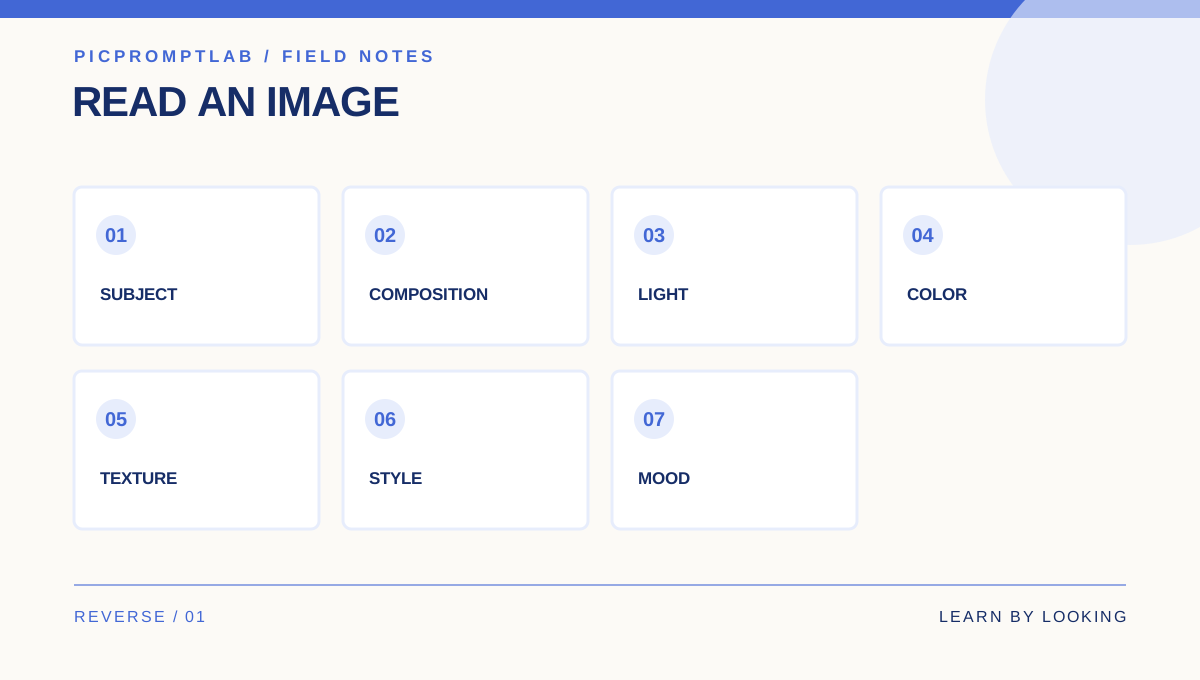
Stop guessing prompts: read an image in seven layers
Read the subject, style, color, light, composition, texture, and mood before writing a prompt you can actually edit.
- Turn “make it like this” into seven concrete observations
- Separate what is visible from a guessed style label
- Change one dimension at a time to see what works
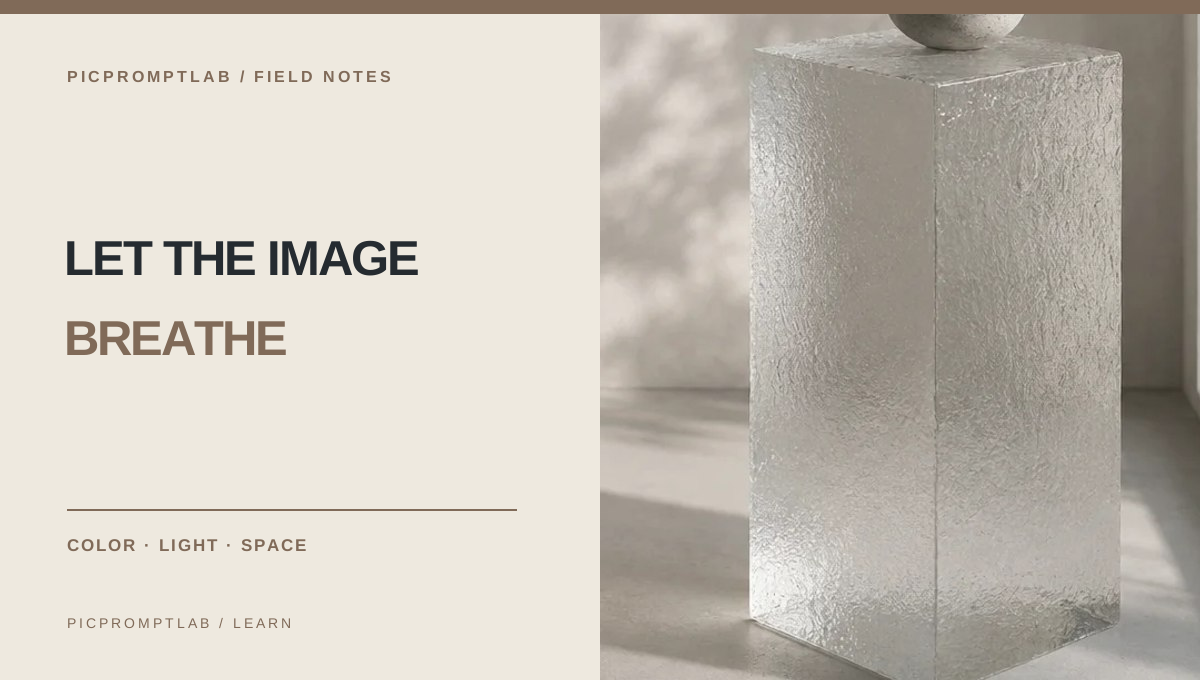
A refined image starts with less visual noise
Replace vague words such as “luxurious” with clear rules for subject, atmosphere, light, color, and composition.
5 min read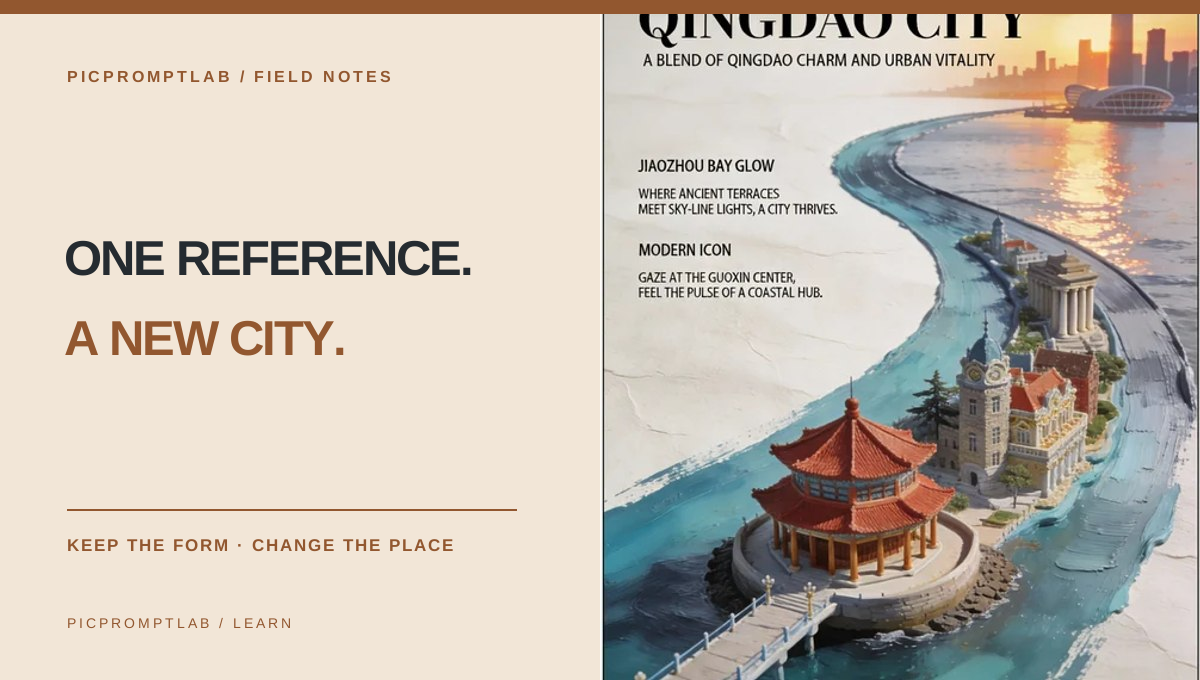
Study a city poster, then change the city
Separate landmark, sweeping line, and layout so one reference can become a repeatable poster system.
7 min read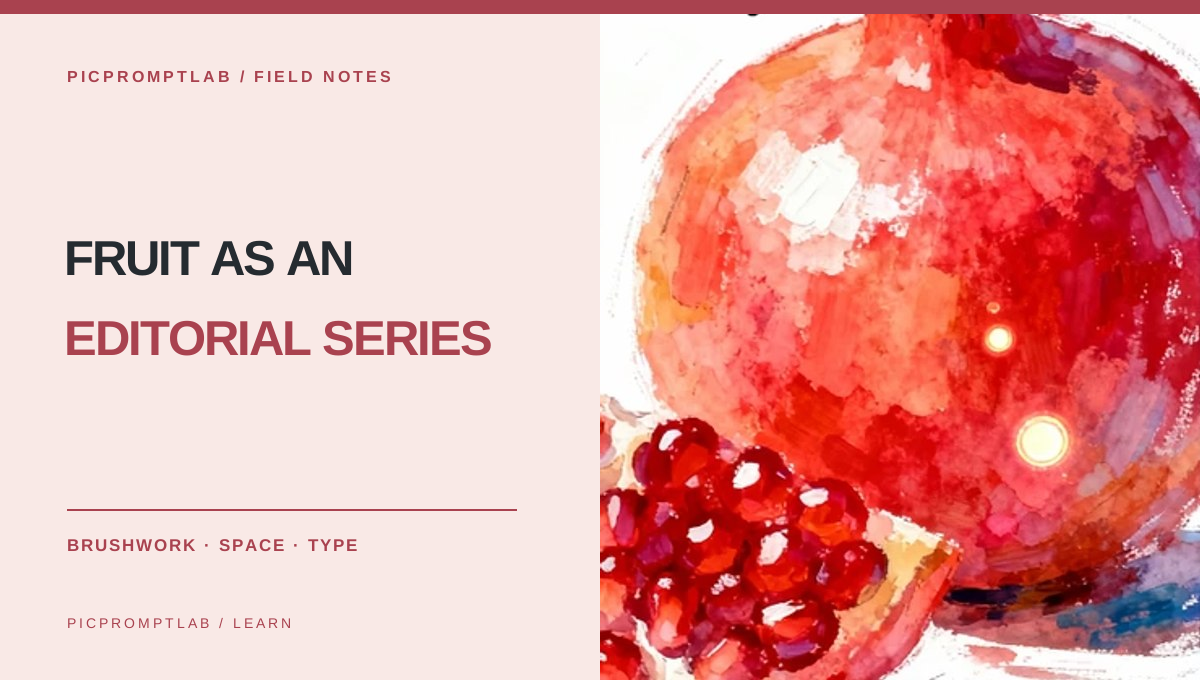
Build a painterly fruit poster series from one reference
Keep the painterly texture and editorial layout while treating fruit, color, and copy as replaceable parts.
7 min read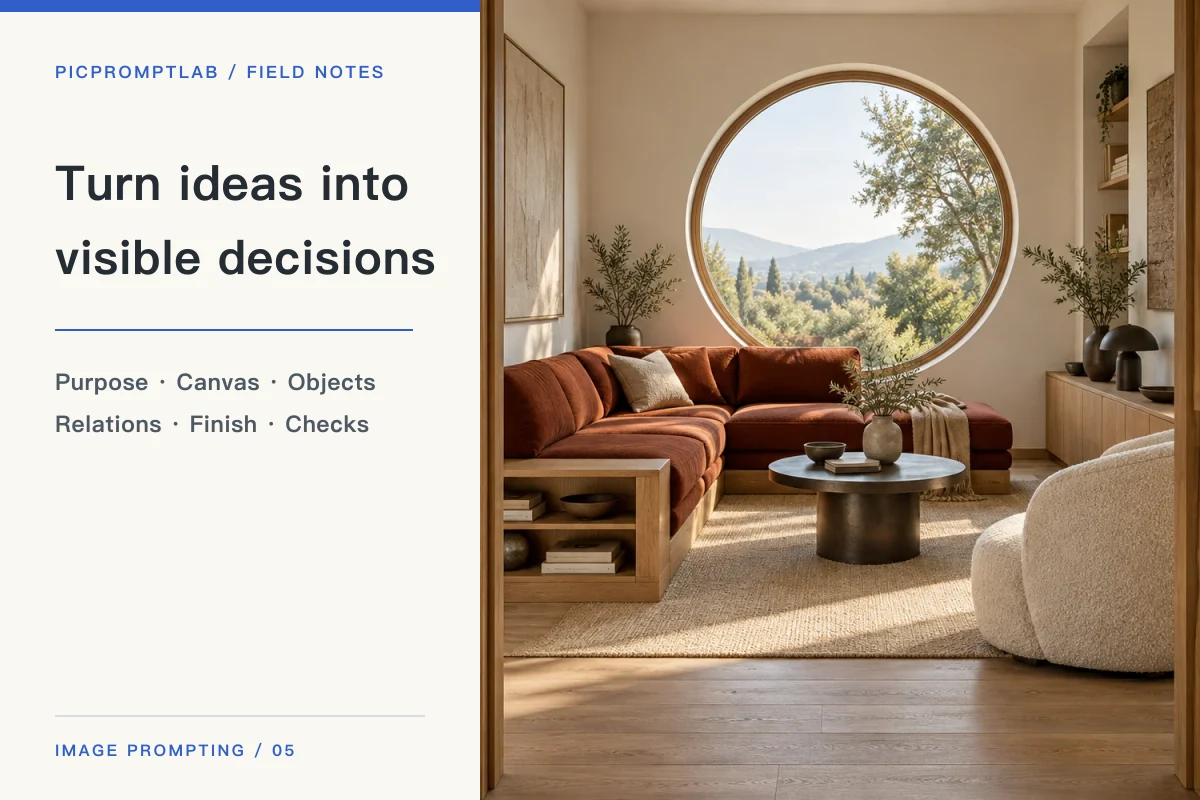
Turn ideas into visible decisions: a practical image prompting workflow
Start with purpose and structure, give references clear roles, then inspect and repair visible details instead of piling on adjectives.
8 min readPUT IT TO WORK
Try the method with an image you love.
Upload a reference, get a first prompt draft, then revise it with the methods in these guides.